PUBLISHED ON — March 2026
La Caixa
Overview
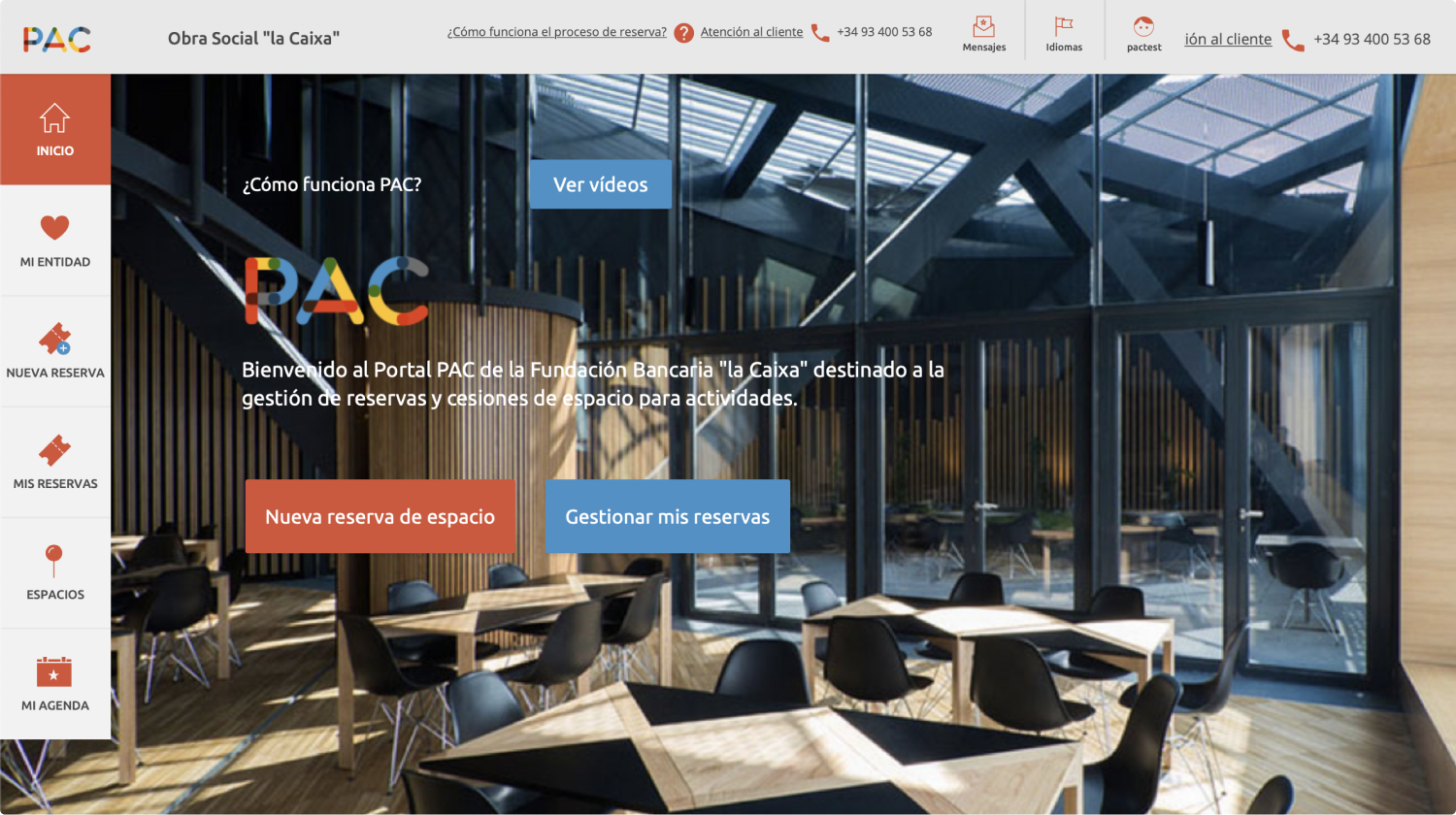
PAC is a private initiative belonging to the La Caixa Foundation. It is a public platform where users can book rooms anywhere in Spain. To do so, they need to configure the reservation by following a series of steps.
The main goal was to redesign the platform to help the user make reservations effortlessly and with the assurance that the reservation had been successfully completed.
Role
Date
Challenge Overview
Unclear reservation flow led to missed and unconfirmed bookings
The problem lay in the lack of intuitiveness in configuring the reservation or knowing if the reservation had been scheduled correctly. Due to the unclear process, many reservations were not made, and users were unaware of it.
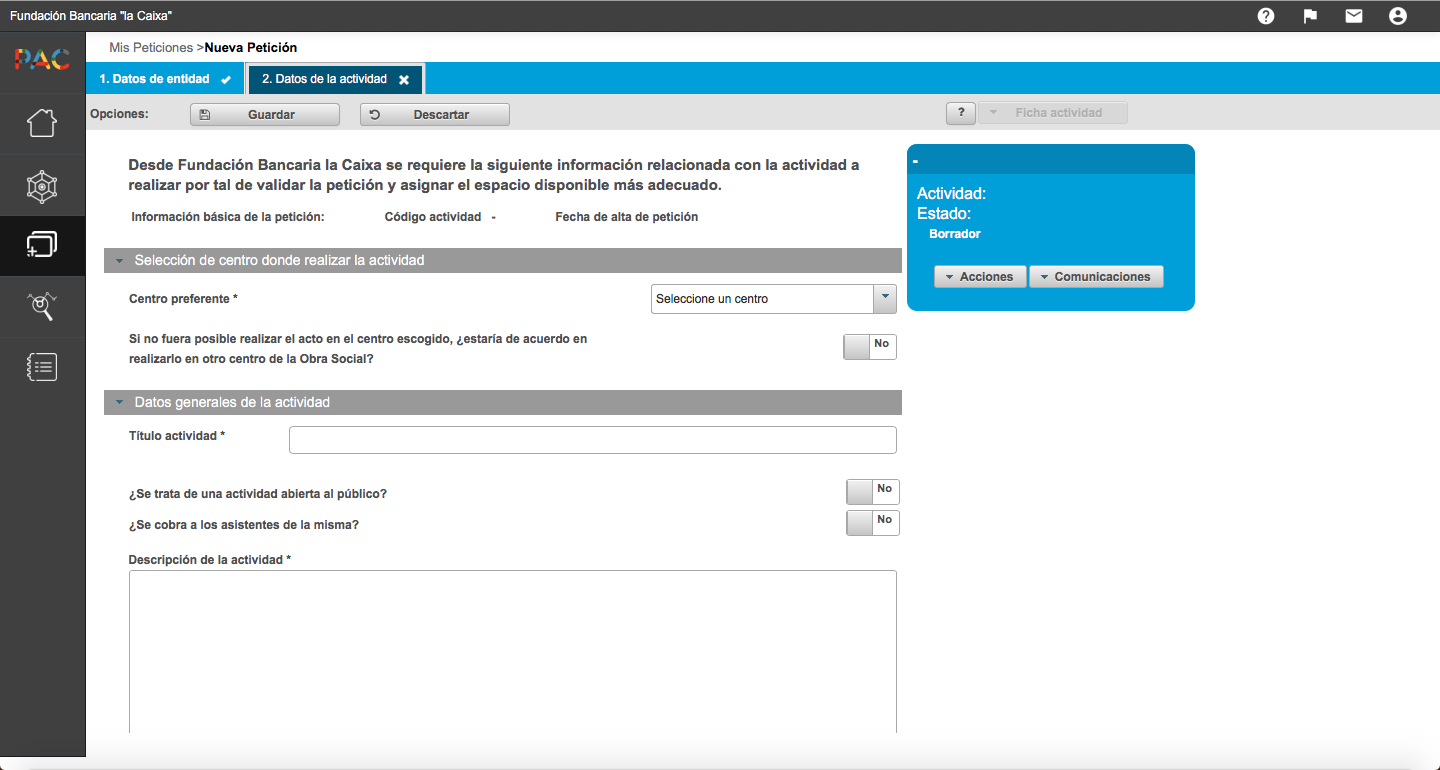
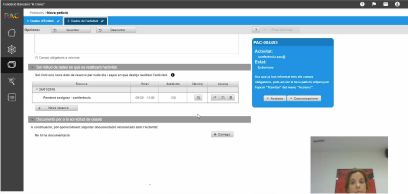
My first contact with PAC was discovering the lack of a structure that allowed the user to know what steps to take to progress in their objectives. The sections to add information opened in modal windows, which added complexity when saving the data or correctly interpreting possible errors.
The lack of hierarchy in the information was not clearly defined; the save buttons floated at the top and were always active, even if no data had been modified or added.
There was no interface with assistance or information about each section to guide the user.
Discovery & Problem Framing
Understanding the problem
In general terms and clearly, the client expressed their concern about the operation of the booking platform. There was an increase in complaints and issues with the use of the application, which led to an increase in reservations via email or phone communication.
Furthermore, according to the client, this problem resulted in an overload of work for the managers and a lack of trust from the users in the brand’s products.
User testing
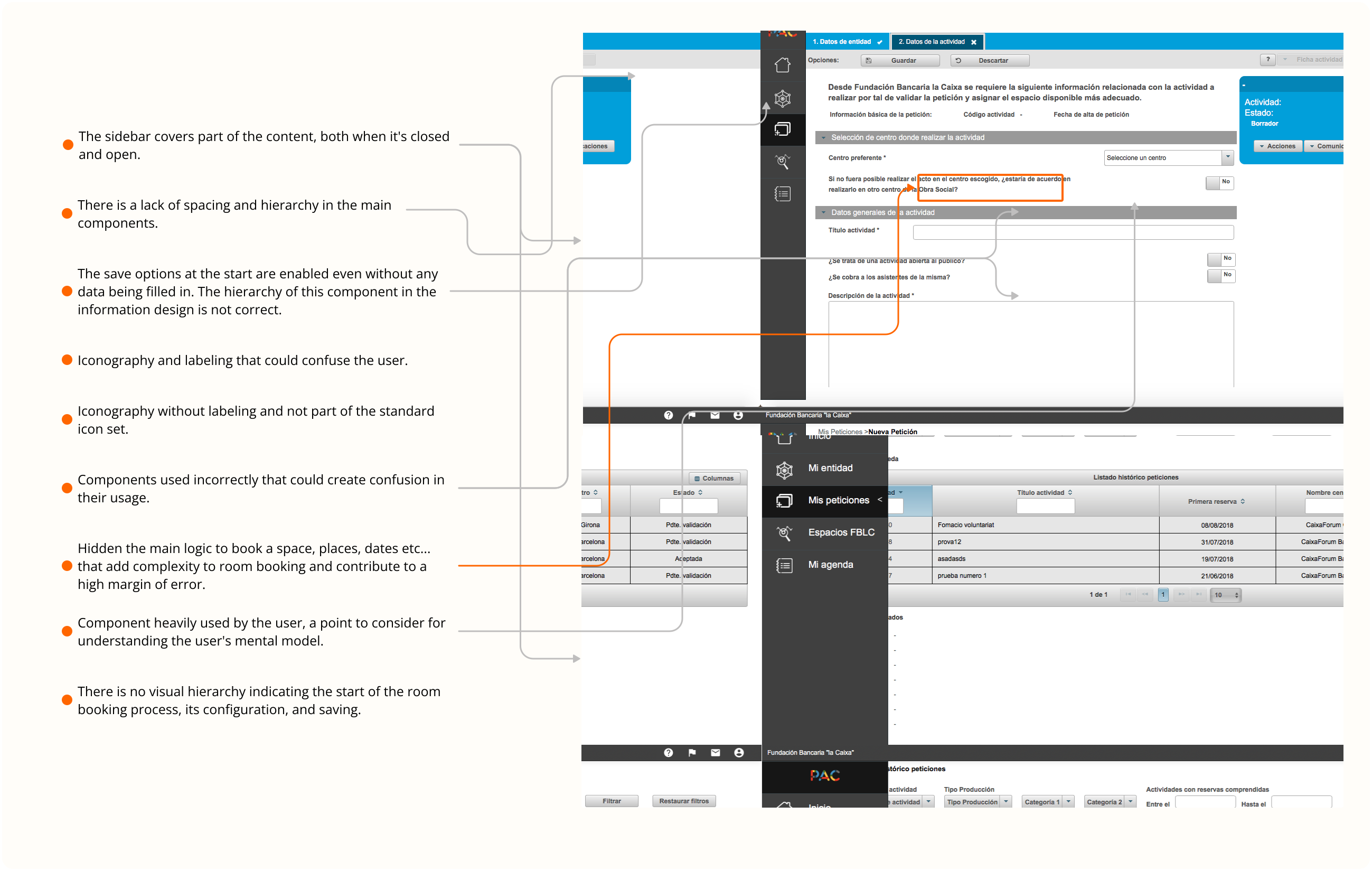
Several general issues were detected in the test results that had a minor impact on the user experience. However, four pain points were identified that formed the core of the problem in the platform’s operation:
The following stakeholders were required to be present at the meeting:
Office Director
Project Manager
Platform Managers and Providers
Development Team
Feedback results
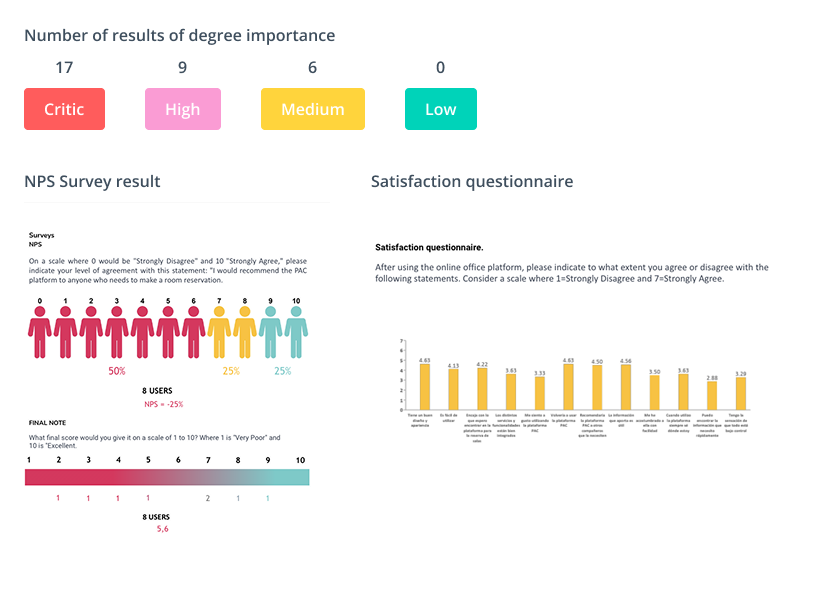
After conducting the task test with users, we categorized the results as improvement opportunities.
We have classified the different improvement opportunities found during the test according to their degree of importance, in order to prioritize those that are significant barriers preventing the user from completing their desired action and influencing their satisfaction.
Result
To address the solution, it was necessary to gather the team, the product lead, and the designer to work on different options for a new interface. The initial idea was to continue with the vertical process for room reservation, meaning the steps would be done vertically. However, we encountered several issues that would create friction due to the numerous configurations within the process.
Ultimately, we chose to define a horizontal user flow following the standard wizard approach.
Finally, the architecture of the process in this happy path shows step by step the process of reserving a room. We needed to create an environment where each step is clear for the user, to avoid confusion and provide the assurance that the reservation follows the correct process.

User feedback
Alert, success, and warning messages are displayed in a sticky component positioned on the right side of the user’s view.
Why this decision?
Because all important information should capture the user’s attention without disrupting the mental map that the user has of the page’s content.
It also provides the clear option to close the message once the user has been properly informed.
Keeping the user informed through feedback is one of the most important heuristic principles, ensuring the visibility of the system’s status.
Adding activity data
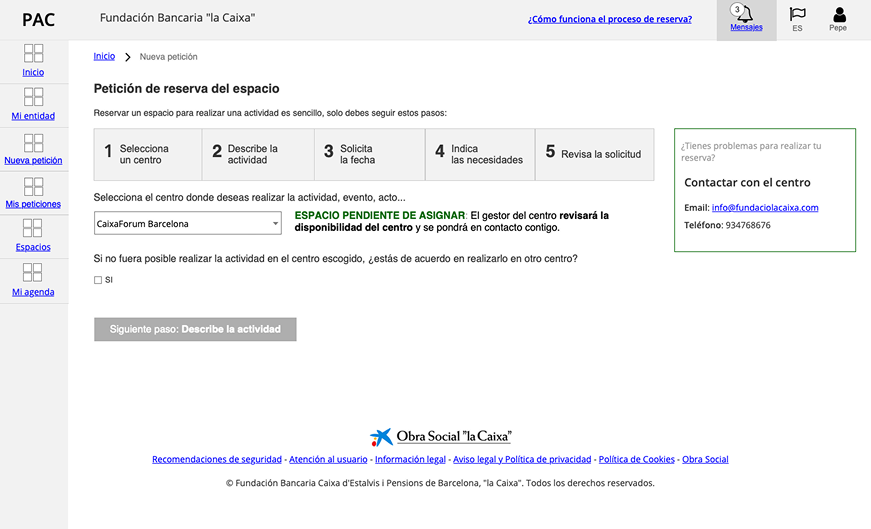
Guiding the user through a reservation process is essential to provide a satisfying user experience. To prevent the user from feeling lost on the platform or in the action they have just taken, steps have been implemented to clearly indicate where they are in the process. Additionally, there is an option to save and continue later, so when they return, they know where they left off.
Ensuring consistency in the operation of system components has been crucial overall.
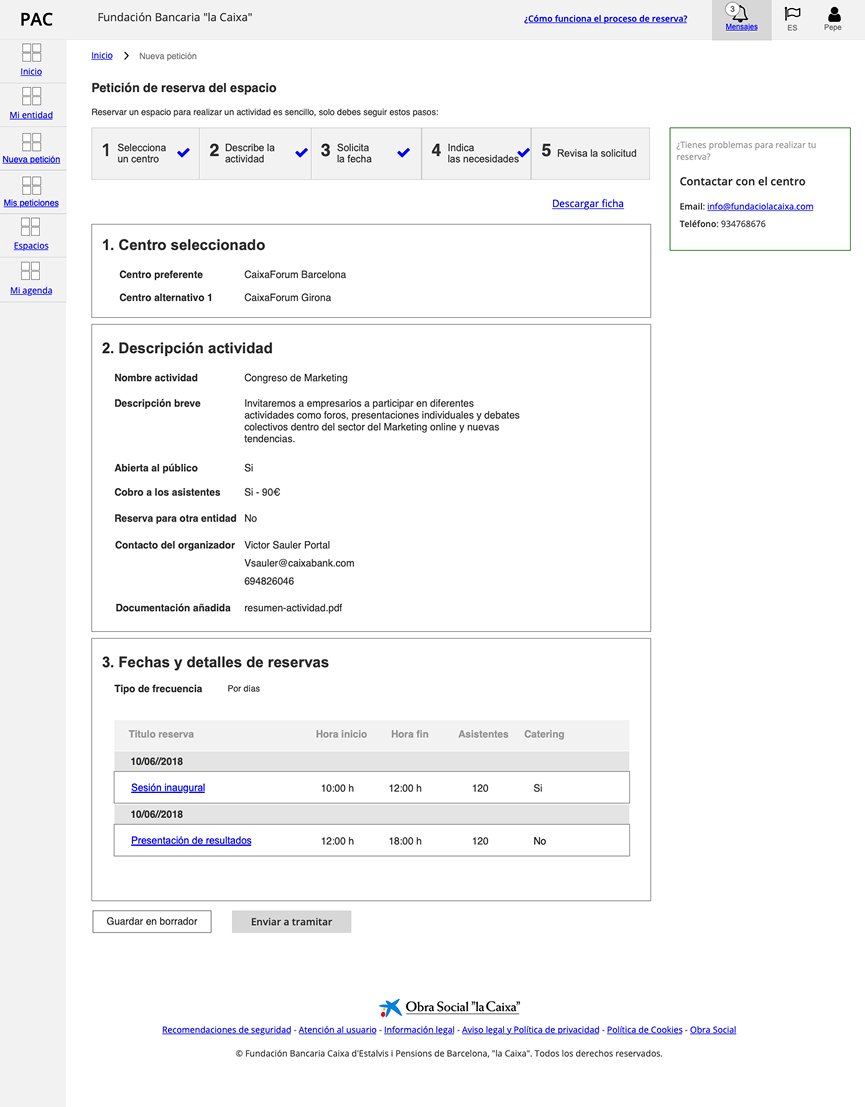
Processing a reservation
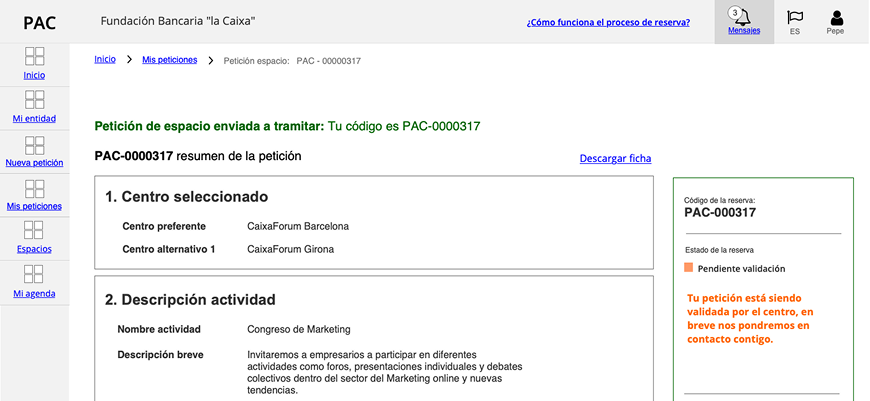
As part of the reservation steps, the final point is validation or submitting the reservation for processing so that the user understands the ultimate action to fulfill their goal.
By maintaining consistency and adhering to standards, the user is guided and accomplishes their objective with the confidence that they have successfully reserved a space.
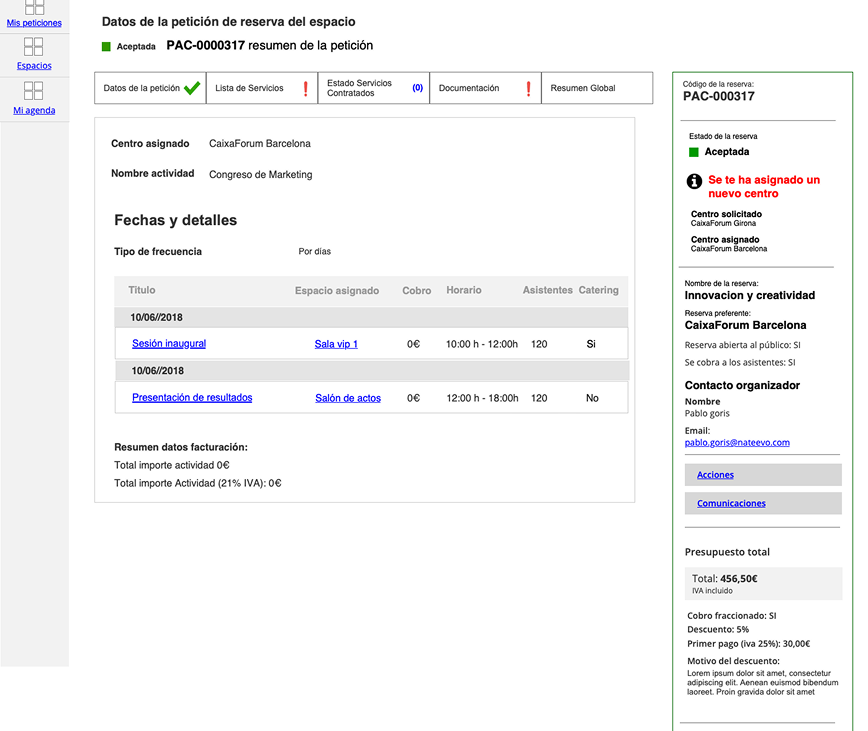
Reservation setup
Every room reservation has specific requirements, and for this purpose, tabs were implemented to host the information that the user needs to fill in for each of these requirements. Each tab will visually communicate to the user the status of their request for these needs, incorporating iconography and labels for icons that are not part of the standard.